How to Scale PDF Accessibility with Automation?
Learn how to scale PDF accessibility with AI-powered automated tagging while reducing manual effort and improving compliance.

Learn how to scale PDF accessibility with AI-powered automated tagging while reducing manual effort and improving compliance.
Compare auto-tagging with manual tagging for document remediation & discover when to use automation, manual review, or a hybrid approach.
Learn what PAdES is, how its different signature levels work, and why it matters for secure, legally valid, and long-term PDF verification. Explore its key features, common use cases, industry applications, and how to maintain accessibility in PAdES-signed documents.
Learn what PDF metadata is, why it matters for document organization, privacy, accessibility, and compliance, and how to manage it effectively. Explore common metadata errors and discover how PREP simplifies adding, removing, and maintaining accurate PDF metadata.
Learn how PDF screen readers work and how proper tagging, reading order, alt text, OCR, and accessible form fields make PDFs usable for people with disabilities. Explore key accessibility requirements and how PREP helps create screen reader-friendly PDFs.
Learn how publishers can remediate backlists, PDFs, and legacy titles at scale in 2026. Explore key accessibility standards, common remediation challenges, and a practical roadmap for prioritizing content, fixing source files, performing quality checks, and preventing accessibility issues in future publishing workflows.
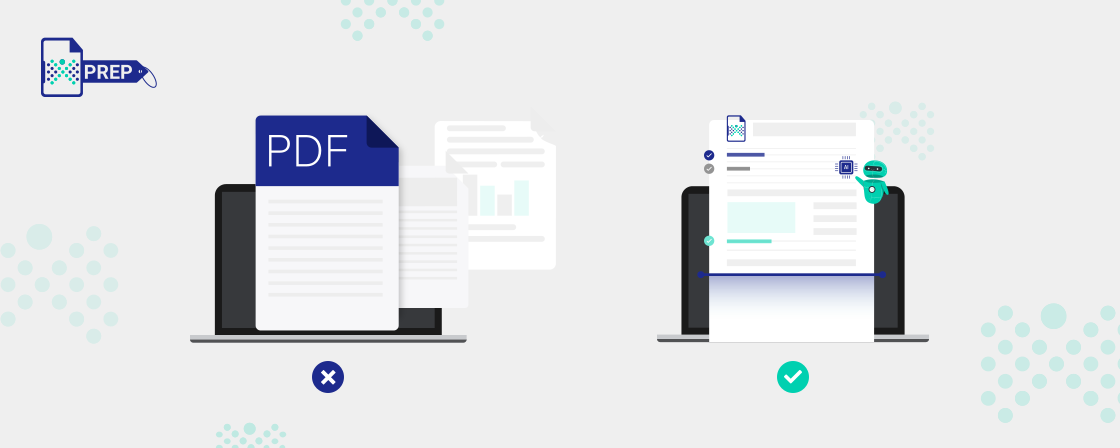
Explore why inter-format document conversion matters for accessibility, compatibility, collaboration, content preservation, and compliance. Learn about common file conversions and how PREP simplifies secure, scalable, and accessible document conversion workflows.
Learn why document accessibility is essential for creating an inclusive workplace, improving productivity, supporting employees with disabilities, and meeting accessibility requirements. Discover common workplace documents that need accessibility and how Continual Engine can help organizations remediate documents at scale.
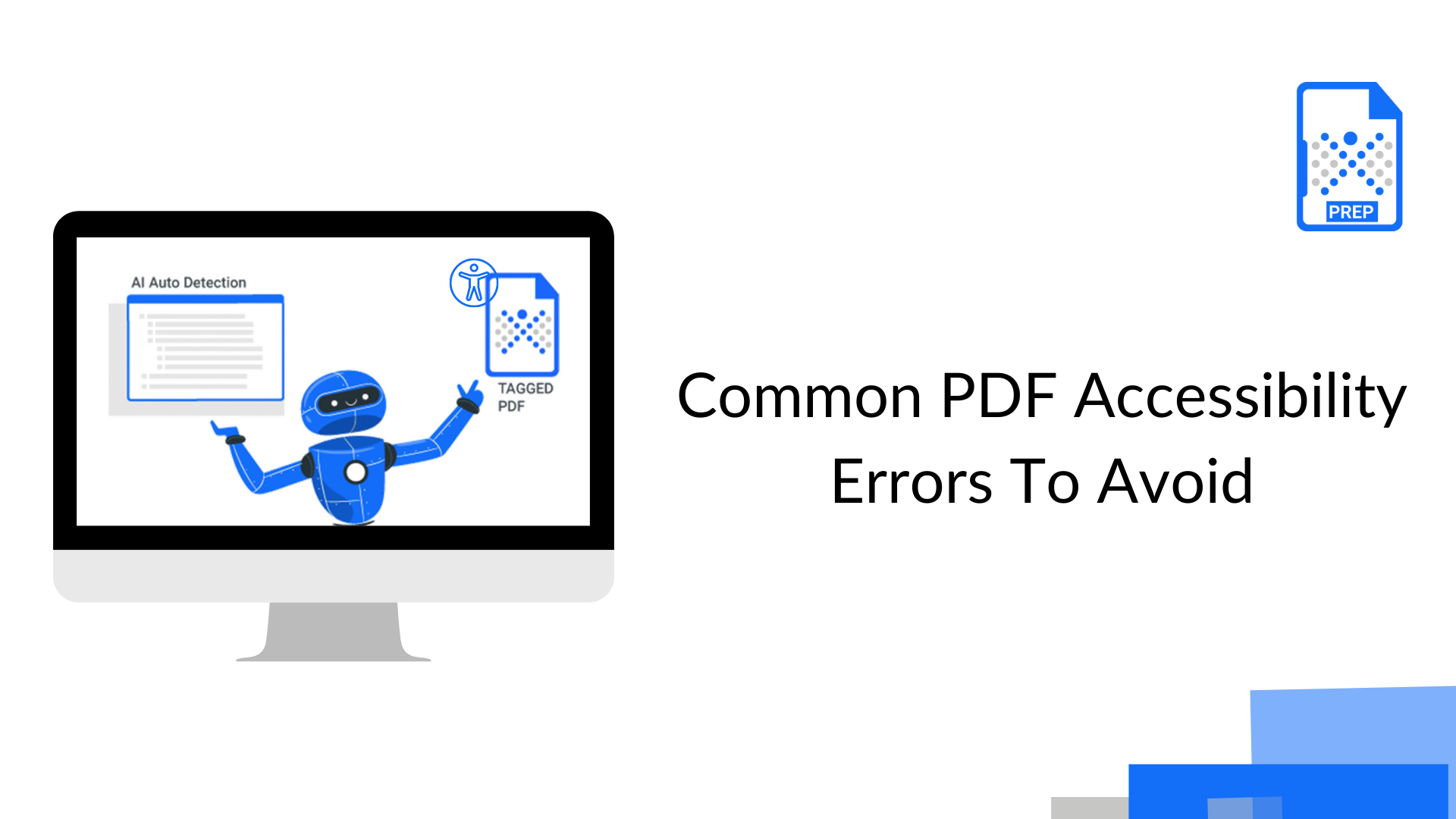
Identify 14 common PDF accessibility errors that can affect screen reader users, keyboard navigation, and compliance. Learn how to fix issues such as missing tags, incorrect reading order, inaccessible tables and forms, poor color contrast, missing alt text, and image-only content.
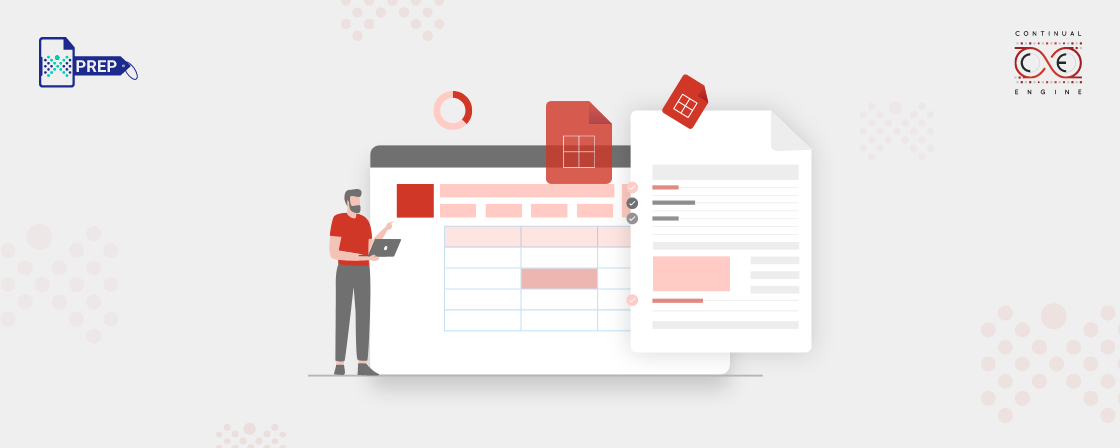
Learn how to properly tag tables in PDFs for accessibility, improve screen reader navigation, meet WCAG and PDF/UA requirements, and avoid common tagging mistakes. Explore step-by-step table tagging with PREP, along with best practices for handling simple and complex tables.
