Digital content today goes far beyond text. Government websites now use videos, podcasts, recordings, and interactive media to share important information with the public. If this content is not accessible, many users with disabilities may struggle to understand or navigate it. In this blog, we will look at the multimedia accessibility requirements under ADA Title II and what organizations need to do to comply.
What is Multimedia Accessibility?
What are Multimedia Accessibility Requirements Under Title II?
-
Video Accessibility
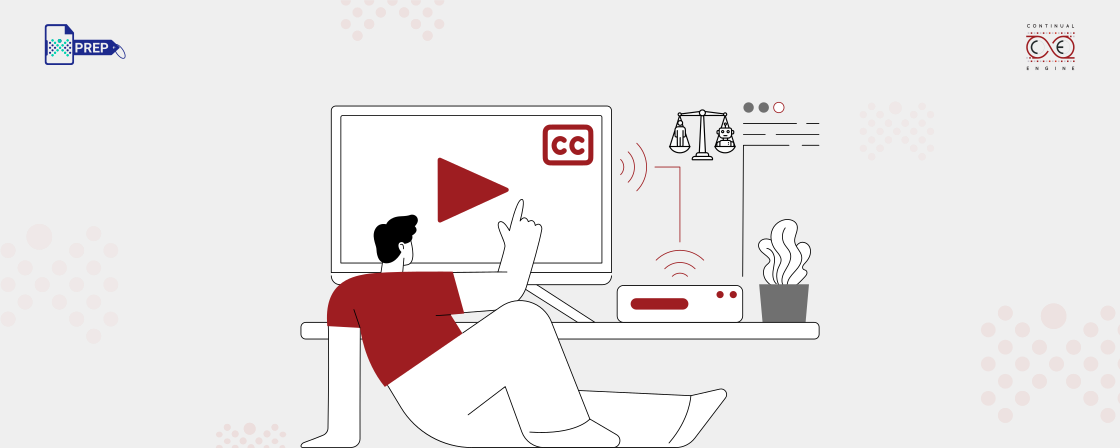
Videos used by public agencies must include features that allow people with hearing or visual impairments to understand the content.
- Captions (WCAG 1.2.2)
All prerecorded videos must include synchronized captions. These captions display spoken dialogue and important sounds such as music or background noise.
- Audio Descriptions (WCAG 1.2.5)
If important visual information appears in the video that is not explained through dialogue, audio descriptions should be provided. These narrations describe visual actions or on-screen elements.
- Transcripts (WCAG 1.2.1)
A written transcript of the video should also be available. This allows users to read the entire content instead of watching the video.
- Captions (WCAG 1.2.2)
-
Audio Accessibility
Audio-only content must include alternatives for people who cannot hear the recording.
- Transcripts (WCAG 1.2.1)
Podcasts, speeches, and other audio files must provide a text transcript. The transcript should capture spoken dialogue and relevant sounds so users can understand the content without listening to the recording.
- Transcripts (WCAG 1.2.1)
-
Images and Graphics
Visual elements used alongside multimedia content must also be accessible.
- Alt Text (WCAG 1.1.1)
Images, charts, or diagrams should include descriptive alternative text. Screen readers use this description to explain the visual content to users with vision impairments.
- Descriptive Text for Charts and Reports
Data visualizations such as graphs or charts should include text explanations so users understand the information without relying only on visuals.
- Alt Text (WCAG 1.1.1)
-
Interactive Multimedia
Interactive media such as simulations, learning modules, or embedded tools must also follow accessibility standards.
- Keyboard Navigation (WCAG 2.1.1)
Users should be able to navigate and operate the content using a keyboard alone without requiring a mouse.
- ARIA Labels for Interactive Elements
Accessible labels help screen readers identify buttons, controls, and interactive elements so users know how to interact with them.
- Keyboard Navigation (WCAG 2.1.1)
Exceptions Under Title II
- Archived web content that is no longer actively used may not need updates.
- Third-party content posted by external providers may fall outside direct control of the public entity.
- Pre-existing social media posts created before the rule may not require modification.
Compliance Deadlines Under Title II
| Entity Type | Compliance Deadline |
|---|---|
| State and local governments with a population of 50,000 or more | April 26, 2027 |
| Smaller public entities and special districts | April 26, 2028 |
By following ADA Title II requirements and aligning with WCAG 2.1 Level AA standards, organizations can ensure that their digital content is usable by people with different abilities. Accessible multimedia is not only a compliance requirement. It is also a step toward creating a more inclusive digital environment for all users.
How Continual Engine Can Help?
Continual Engine supports ADA Title II compliance through an AI and expert review approach. The platform helps organizations create accessible multimedia content by generating and validating captions, transcripts, audio descriptions, image descriptions, and other accessibility features at scale.