
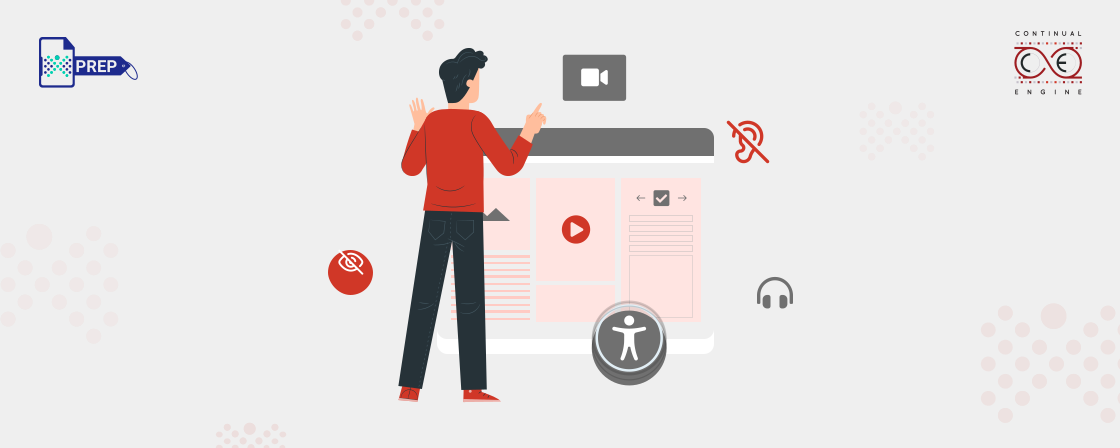
Video accessibility is an important factor to consider as video content continues to become a larger part of our lives. We create and consume video content on a daily basis, whether it be for entertainment or educational purposes.
Despite its widespread use, not all videos are accessible for everyone. There are certain considerations that must be taken into account in order to ensure the content is accessible for people with disabilities. In this article, we’ll explore what video accessibility is and why it’s so important.
Why Create Accessible Videos?
Accessibility is not just a legal requirement, it’s a way to ensure that everyone can enjoy your content, regardless of their abilities. Imagine a world where everyone can access the information they need and engage with the content they love. That’s the power of accessibility. And the good news is, achieving it is easier than you think.
The Web Accessibility Initiative’s Web Content Accessibility Guidelines (WCAG) provide a framework for creating accessible content. The three levels of WCAG standards for accessibility called Level A, Level AA, and Level AAA.
Level AA is the benchmark for compliance with the Americans with Disabilities Act (ADA). By striving for Level AA accessibility, you’ll not only be creating content that is inclusive and accessible to all but also meeting the legal requirements.
Who benefits from video accessibility?
Video accessibility is crucial for individuals who have disabilities that impact their ability to engage with multimedia content. Some examples of these disabilities include:
Blindness: People who are blind rely on audio descriptions and other forms of alternative text to understand the visual elements of a video.
Colour-blindness: Individuals who are colour-blind may have difficulty distinguishing certain colours in a video, which can make it difficult for them to understand the content.
Low Vision: People with low vision may have difficulty seeing small text or other details in a video, which can make it hard for them to follow along.
Deafness: People who are deaf or hard of hearing rely on captions and other forms of alternative text to understand the audio content of a video.
Motor Impairments: People with motor impairments may have difficulty using a mouse or keyboard to control a video, so it is important to provide alternative ways for them to engage with the content.
Cognitive Impairments: People with cognitive impairments may have difficulty processing complex information or keeping up with the pace of a video, so it is important to provide support to help them understand the content.
Steps to Create Accessible Videos
Making your videos accessible to everyone is an important consideration for ensuring that all viewers, regardless of their abilities, can enjoy and understand your content. Here are some ways to achieve this:
- Video Captions: Captions are essential for viewers who are deaf or hard of hearing. Captions provide a written version of the audio content in the video. There are two types of captions:
- Open captions – captions that are permanently visible on the video. These captions cannot be turned off by the viewer. They are commonly used in videos that are primarily intended for social media platforms.
- Closed captions – captions that can be turned on and off by the viewer. These captions can be added to a video after it is produced by creating a separate caption file, which is then synced to the video. These captions can be used in videos that are intended for a broader audience and that will be played on different platforms, such as television and streaming services.
- Video Transcripts: Transcripts provide a written version of the spoken content in the video. They are useful for viewers who are deaf or hard of hearing, as well as for those who prefer to read rather than listen. There are two types of transcripts:
- Static – a written document that corresponds to the video. These transcripts can be provided as a separate file or embedded in the video’s description.
- Interactive – a transcript that allows the viewer to click on specific parts of the text to jump to that point in the video. This type of transcript can be provided as a separate file or embedded in the video’s description.
- Audio Description: Audio description is an additional audio track that provides a verbal description of the visual content of the video for viewers who are visually impaired. This includes describing actions, costumes, scenery, and other visual elements that are not otherwise conveyed through the audio. This can be added as a separate audio track or embedded within the existing audio track.
- Choose Accessible Video Formats and Players: It is important to use formats and players that are compatible with assistive technologies, such as screen readers and closed captioning devices. This will ensure that your videos can be accessed by a wide range of viewers.
- Use Colors Thoughtfully and With Good Contrast: This will make the video more legible for those with visual impairments. It is important to choose colors that have a high contrast ratio, so that text and images are easy to see against the background.
- Use Text that is Easy to Read:Use a font that is clear and easy to read, and make sure that the text is large enough to be visible. This will ensure that viewers with visual impairments can read the text in the video.
- Avoid Fast-flashing Content: It is important to avoid content that flashes quickly, as this can cause seizures in some viewers. This includes flashing images, text, and backgrounds. If you must include flashing content in your video, it is important to keep the flashes below a certain threshold and to provide a warning to the viewer.
Final Thoughts
It’s clear that video accessibility is a crucial component of creating content for all users. With the right tools and resources, it’s easy to create accessible videos for everyone. Additionally, creating accessible videos will help you reach a larger audience, improve your SEO rankings, and increase engagement with your content. Above all, creating accessible videos will ensure that everyone can enjoy and benefit from your content.
Bridge the Gap with Inclusive Video Content
Experience Speed, Accuracy, and Affordability with Our End-to-End Accessibility Services.
